
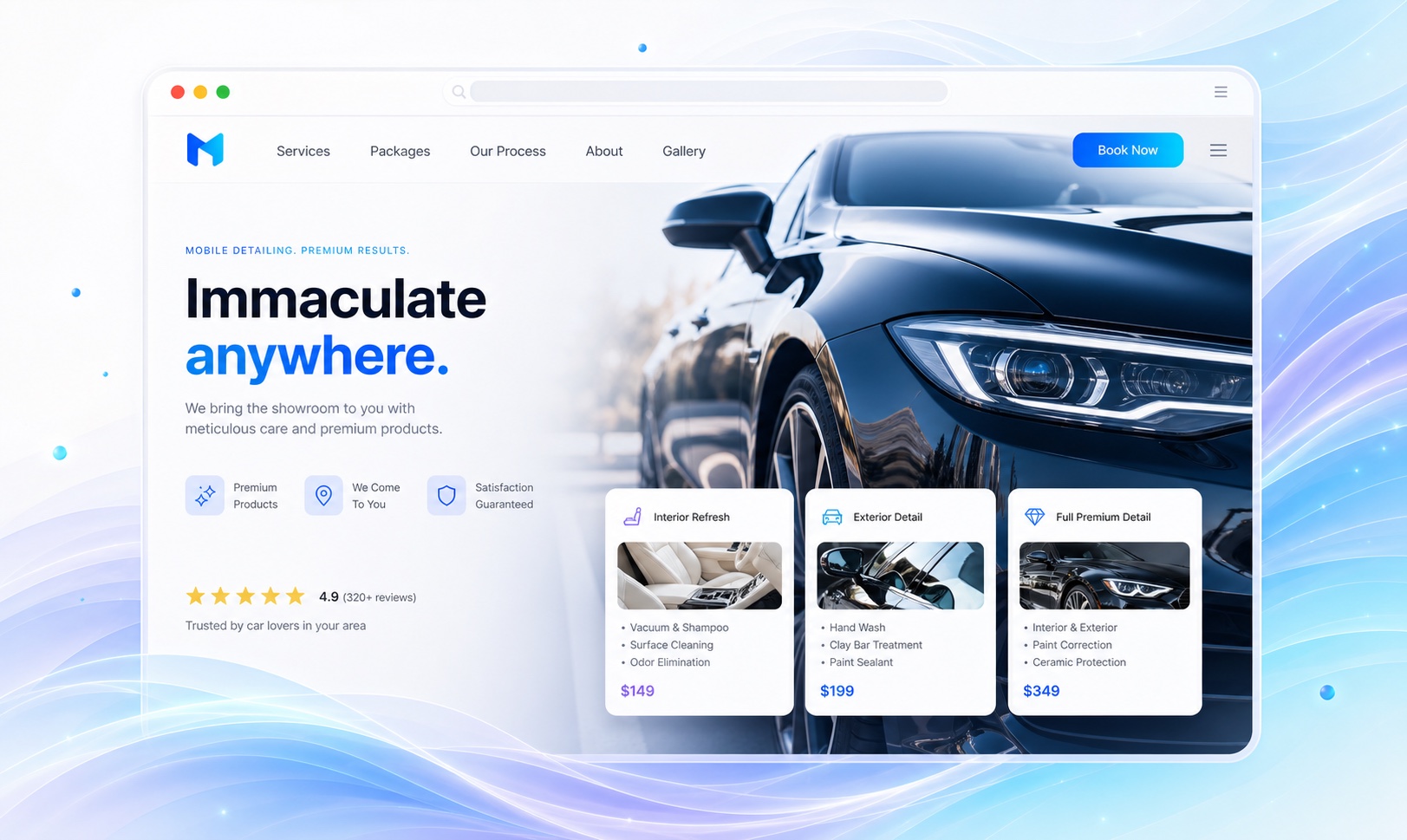
Define each package by what is included, not by its name.
Names like Gold and Platinum tell a customer nothing, and no car detailing website builder can fix that for you. Under each package, list the steps: wash, clay bar, one-step polish, interior vacuum, leather conditioning. Say how long it takes and which vehicle sizes change the price. Put add-ons in their own list with a one-line description, so a visitor can build the job they want before they call.
If you offer ceramic coatings or paint correction, give them a separate section. Those jobs need a conversation about paint condition and expectations, so describe the inspection step rather than a flat price. Avoid durability claims from the coating manufacturer unless you can back them with the product's own warranty terms. A customer who understands why correction is priced after inspection is less likely to argue about the number.
- Packages
- Interior, exterior, and full detail. Each lists its steps and time.
- Add-ons
- Pet hair, odor treatment, headlights, engine bay. One line each with the condition it applies to.
- Correction and coating
- Paint correction stages and coating options with the inspection step explained.
Explain mobile service and shop service as two offers.
A mobile detail depends on water, power, shade, and a place to park. Say what you bring, what the customer needs to provide, and the towns you travel to. If you charge a travel fee beyond a radius, publish it. Many detailers bring their own water tank and generator; if you do, say so, because it removes the customer's main worry. Shop service needs an address, hours, and whether the customer waits or drops off.
Many detailers do both and lose jobs because the page does not say which services are available where. Paint correction may be shop-only; a maintenance wash may be mobile-only. Mark each package with where it is offered. A small label beside each package name does the job. Keep your hours and service area identical on the site and your Google Business Profile.
Show your own results and send booking to the tool you use.
Detailing is visual. Publish before and after photos of interiors and paint from your own jobs, with the package name in the caption, and a short video if you have one. Skip stock images of a studio-lit car. A customer wants to see a dog-hair back seat come clean, not a showroom. Shoot in the same light and angle before and after so the difference is honest.
Deposits and booking happen outside Markio. If you use a scheduling app that takes deposits, ask Markio to link to it from every package and test the link while signed out. Otherwise use the request form with vehicle type, package, and preferred dates, and reply from the lead inbox. State clearly that a request is not a confirmed appointment.
Keep this list handy
Before your detailing site goes live
- Confirm each package lists its steps and vehicle-size pricing.
- Mark which services are mobile and which are shop-only.
- Replace stock car photos with your own results.
- Test the booking or deposit link from a phone.
- Send a test booking request and find it in the inbox.
Try an edit like this
Tell Markio what you want to change.
Create a packages section with the interior, exterior, and full detail options in my business details, listing the steps under each. Add a separate add-ons list and mark which packages are available mobile. Link every package to my booking page and do not add prices beyond the ones I entered.
Use your own business facts, review the draft, and publish when the details are right.
See how editing by chat works