
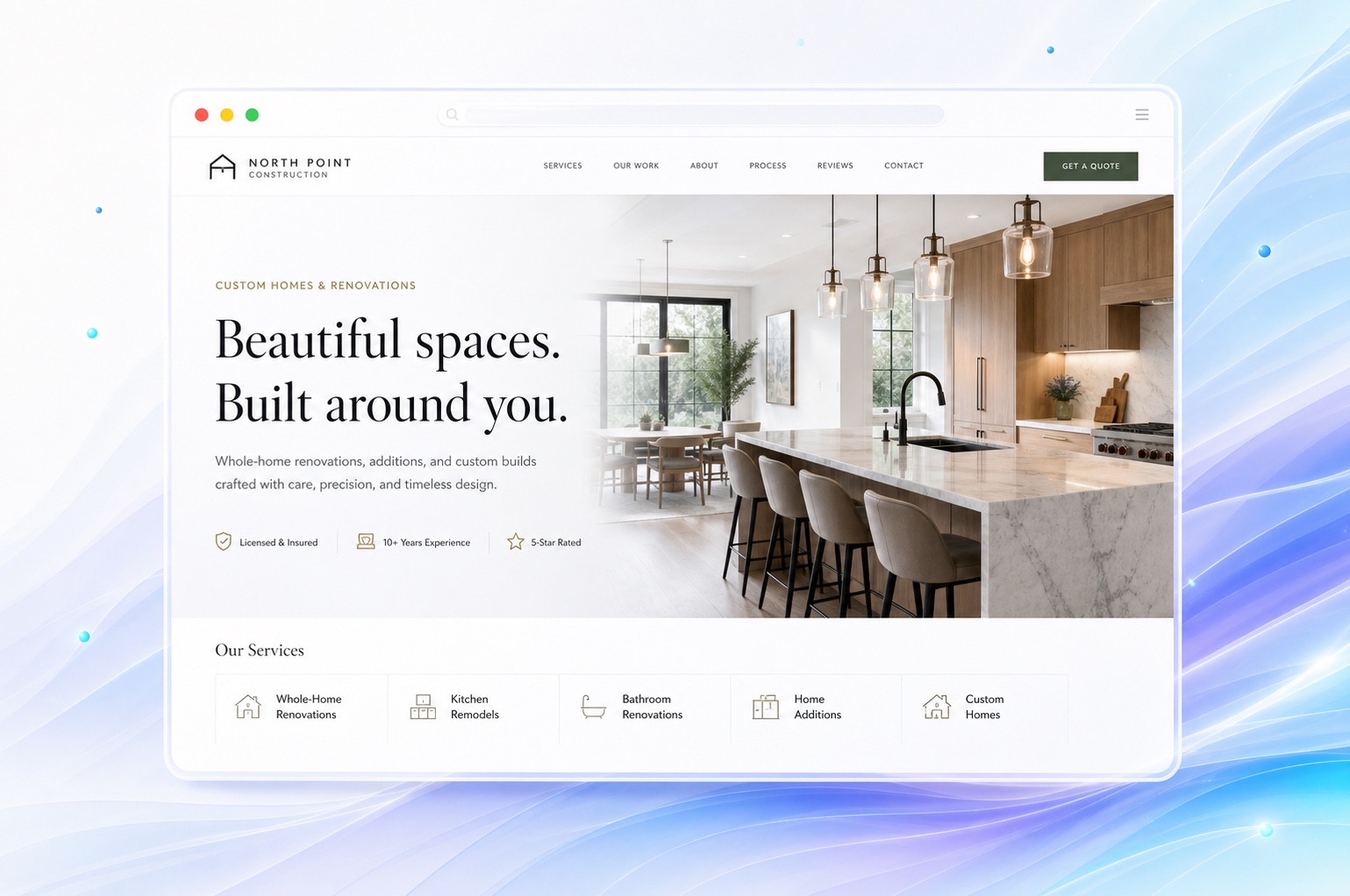
Describe the projects you want to quote.
A kitchen remodel, a commercial build-out, and a small repair involve different budgets and timelines. List the work you specialize in and explain the types of properties you serve. Mention minimum project size only if you have a real policy you can keep current.
Help people rule themselves in before contacting you. Describe your geography, project types, and how far ahead you typically discuss work without presenting availability as a guarantee. Move frequently changing schedules into the conversation with your team.
Turn a photo gallery into a project record.
For each project, write a short account of the scope, the work your company completed, and the finished result. Use customer-approved photographs. A before-and-after pair should show the same job and make clear which work belongs to you.
You do not need invented testimonials or a large project count. A few documented examples can explain your capabilities. Ask Markio to group photos by project and add captions from details you provide, then check the draft against your records.
Set expectations before the estimate request.
Explain whether you begin with a call, review plans, or visit the property. Ask visitors to include the project type, general location, and intended timing in their message. You can request plans and other detailed material after the first conversation.
Markio helps you collect and review inquiries. Contracts, deposits, estimating, and construction management remain in the tools and processes you choose. Link to existing client systems where appropriate, and check those links before publishing.
Keep this list handy
A contractor homepage needs
- A specific description of your core project types.
- A service area and accurate business credentials.
- Real project photos with scope and permission checked.
- A contact step that explains what happens next.
Try an edit like this
Tell Markio what you want to change.
Organize my project gallery into kitchen remodels and additions. Use the supplied project notes for captions. Add a section explaining our consultation process and invite visitors to describe their project, town, and timing.
Use your own business facts, review the draft, and publish when the details are right.
See how editing by chat works