
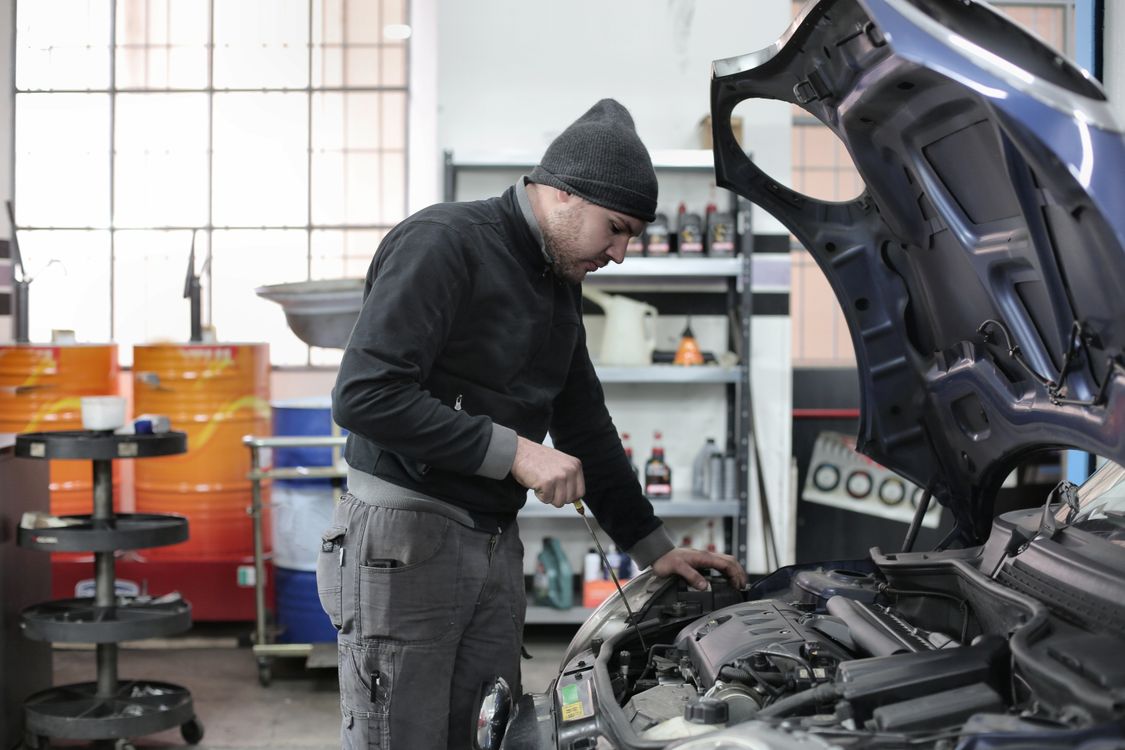
List services the way a driver describes the problem.
Drivers search for brake noise, a check engine light, an overheating engine, or an oil change, not for a parts category. Set up your auto repair shop website builder sections around those symptoms, then say what you check and what a typical repair involves. Add a separate list of routine maintenance: oil, tires, brakes, batteries, and inspections if your state requires them.
Name the makes you work on, especially if you specialize. A shop that focuses on European cars, hybrids, or diesel trucks should say so near the top. A general shop should say that too, because a visitor with a less common vehicle will otherwise call to ask. If you do not do transmission rebuilds or body work, state it.
- By symptom
- Check engine light, brake noise, overheating, rough idle. Say what the diagnosis includes.
- By make
- The brands and vehicle types you service, and any you refer out.
- Maintenance
- Oil changes, tires, batteries, and inspections with how long each usually takes.
Show real hours and explain how drop-off works.
Hours matter more for a repair shop than for most businesses, because the customer has to get the car to you and get home. Publish the hours the front counter is staffed, note holiday closures, and keep them identical on your site and Google Business Profile. Say whether you take walk-ins or want a call first.
Describe drop-off in a few sentences: where to park, whether there is an after-hours key drop, how you reach the customer with an estimate, and whether work starts only after approval. Mention a shuttle, loaner, or waiting area if you have one. Those details decide whether a working parent chooses you over the shop next door.
Use exact certifications and one contact path.
If your technicians hold ASE certifications or manufacturer training, state the credential exactly and say who holds it. Do not write certified technicians in general if only one person is certified. Markio can place credentials near your services, but it cannot verify them. Add photos of your bays, your team, and your front counter instead of stock images of a shiny engine.
Put the phone number and address in the header of every page with a tap-to-call link and a map link. Add a short form for people who want to describe the problem and ask for a callback. Markio sends those to a lead inbox; it does not book appointments or confirm a time. If you use a scheduling tool, link to it and test it.
Keep this list handy
Before your auto repair site goes live
- Check hours, address, and phone against your Google Business Profile.
- Confirm every service and make listed is work you accept.
- Match certification wording to the actual certificates.
- Explain drop-off and estimate approval in plain words.
- Send a test callback request and find it in the inbox.
Try an edit like this
Tell Markio what you want to change.
Organize our services by symptom using my business details: check engine light, brakes, overheating, and routine maintenance. Add a section naming the makes we service. Put our hours and a tap-to-call phone number at the top of every page and do not add online booking.
Use your own business facts, review the draft, and publish when the details are right.
See how editing by chat works