
01
See performance
Review available views, searches, calls, website clicks, directions, and other profile interactions over supported date ranges.
Website plus local presence
Connect the Google account authorized to manage your business. Markio brings profile performance, post proposals, reviews, and approval-only reply drafts into the same workspace as your website.
Updated August 8, 2026 · Reviewed by Markio
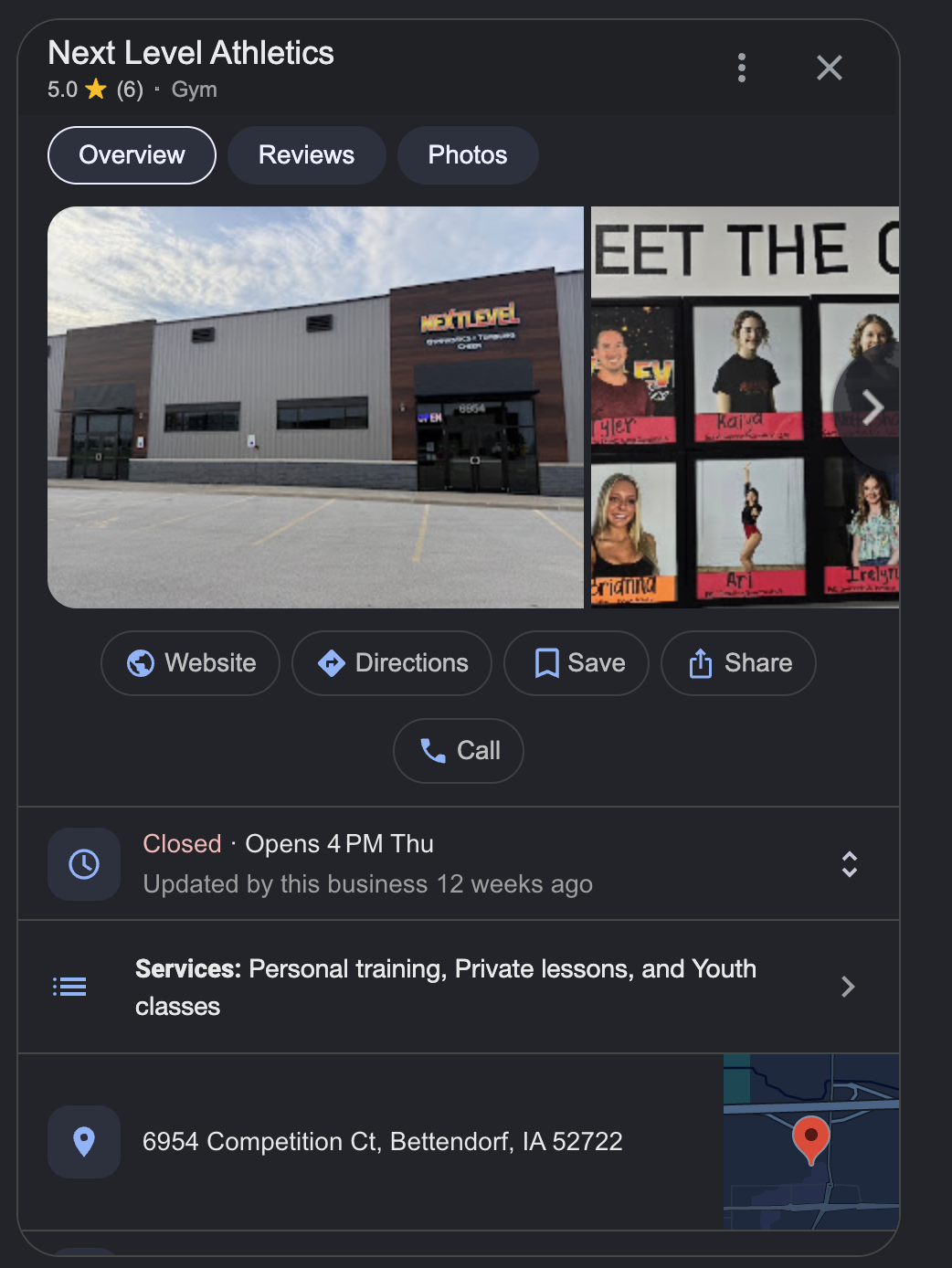
One compact operating rhythm
01
Review available views, searches, calls, website clicks, directions, and other profile interactions over supported date ranges.
02
Generate three distinct post proposals from known business facts, edit the selected draft, and approve it before publishing.
03
Load customer reviews, generate replies without invented facts or contact details, then review every response before it goes live.
04
Connect an authorized Google account and select which available business location the workspace should manage.
A weekly profile routine
The exact schedule depends on review volume and how often the business changes. The useful habit is a consistent check with a clear approval point.
01
Look at the available Search and Maps interactions for the selected location. Compare the period with recent business changes before drawing a conclusion.
02
Prepare a post about a real service, schedule change, event, or offer that the business can verify. Edit the proposal before approval.
03
Read each customer review in context. Check every generated reply for tone and accuracy, then publish only the responses the owner accepts.
04
Make sure profile links, calls, directions, booking destinations, and current website information still lead customers to the right place.
Owner control
Need the website first? Start with an AI website redesign and manage both surfaces together.
Product boundaries
Markio is a workflow for an authorized Business Profile account. Google remains the profile platform, permission system, policy authority, and search engine.
| Area | Markio's role | Google's role |
|---|---|---|
| Account access | Loads accounts and locations available to the authorized Google user | Decides which users and locations the account can access |
| Performance data | Organizes available profile interactions over supported date ranges | Defines the available metrics, retention, and reporting APIs |
| Posts and replies | Creates reviewable drafts and publishes an action after owner approval | Applies product policies and decides whether content is accepted |
| Local visibility | Helps the owner keep website and profile work organized | Calculates Search and Maps results; no software can promise placement |
Pick what to explore
Read about redesigns, Google profile tools, or example sites before starting your preview.
Common questions
Google Business Profile is the current name for the product many owners still call Google My Business. Markio uses the current name while supporting the common older search term in its explanations.
Markio can show available profile performance data, create post proposals, load reviews, draft replies, and publish the actions an authorized owner approves. The available data and actions depend on Google APIs and the permissions of the connected account.
No. Review replies are approval-only drafts. The business owner reviews the wording and chooses whether to publish it.
An authorized Google account can load its available accounts and locations. Markio lets the owner select the location used for posts, reviews, and performance data. Plan site limits still apply.
No. Markio makes recurring profile work easier to organize, but Google controls local results. Relevance, distance, prominence, website quality, reviews, competition, and profile accuracy all influence visibility.
Free first preview
Paste a site you own or have permission to reuse. No credit card is required to start the preview flow.
No website yet? Describe your business instead.