
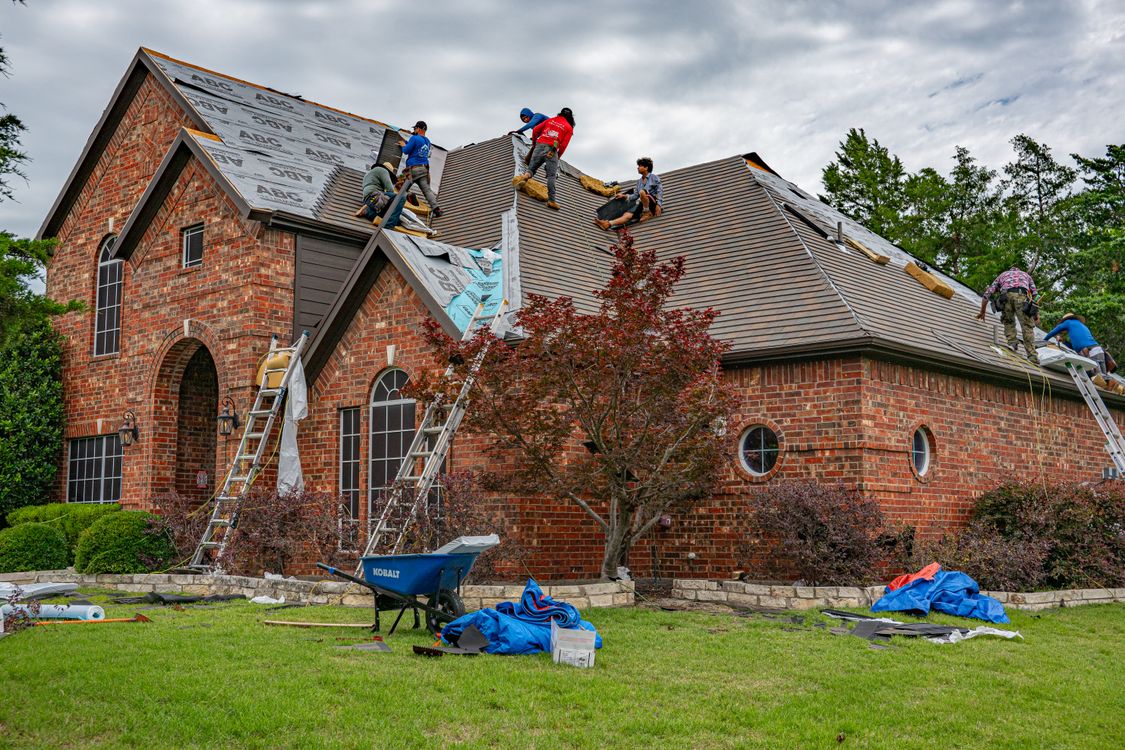
Separate repairs, replacements, and storm work on the page.
A missing shingle, a roof at the end of its life, and hail damage across a whole neighborhood are three different jobs. A roofing website builder earns its place when each gets its own section with the roof types you handle: asphalt shingle, metal, tile, or flat commercial membranes. Say whether you do small repairs or only full replacements. A homeowner should know within a minute whether your crew is the right fit.
Storm work brings its own questions. Explain what an inspection covers, whether it is free, and how quickly you can get on a roof after a hail or wind event. If you handle emergency tarping, say so with the hours it applies to. If you do not, say that plainly so the caller moves on to someone who does.
- Repairs
- Leaks, flashing, missing shingles, and small sections. State the smallest job you accept.
- Replacement
- Full tear-off and new roof. Explain what the estimate visit involves and how long a quote stays valid.
- Storm damage
- Inspection, temporary cover, and photo documentation for the homeowner's claim.
Explain the insurance-claim process without promising the outcome.
Many roofing calls start with an insurance adjuster's visit. Write a short, honest description of how you work with a claim: you inspect, document damage with photos, meet the adjuster if the homeowner asks, and quote the approved scope. Do not state that insurance will cover the roof or that you can waive a deductible. Those claims create legal problems in many states.
Keep license and insurance wording exact. Publish your state or local license number only in the form you are entitled to use, and keep your liability and workers' compensation statements current. Markio can place that information where a homeowner will look for it, but it cannot verify a license or tell you what your state requires you to disclose.
Show real roofs and give the caller one clear next step.
Before and after photos do more for a roofer than any paragraph. Pair each set with the roof type, the town, and the problem you fixed, with the homeowner's permission. Avoid stock photos of roofs you did not install. Skip exact addresses. A short line about material and warranty terms beside each photo answers the question a homeowner would otherwise call about.
Put the phone number at the top of every page and a request form below the services. Ask for the town, roof type if known, and whether there is an active leak. Markio sends each request to a lead inbox; it does not schedule the inspection or dispatch a crew. Tell visitors when they will hear back, and send active leaks to the phone.
Keep this list handy
Before your roofing site goes live
- Tap the phone number from a phone.
- Check license, insurance, and warranty wording against your documents.
- Remove any promise about insurance coverage or deductibles.
- Confirm every photo shows your crew's work.
- Send a test inspection request and find it in the inbox.
Try an edit like this
Tell Markio what you want to change.
Split our services into repairs, full replacements, and storm damage, using the roof types in my business details. Add a short section explaining that we inspect and document damage for insurance claims, without saying insurance will cover the work. Put the phone number above the quote form on every page.
Use your own business facts, review the draft, and publish when the details are right.
See how editing by chat works