
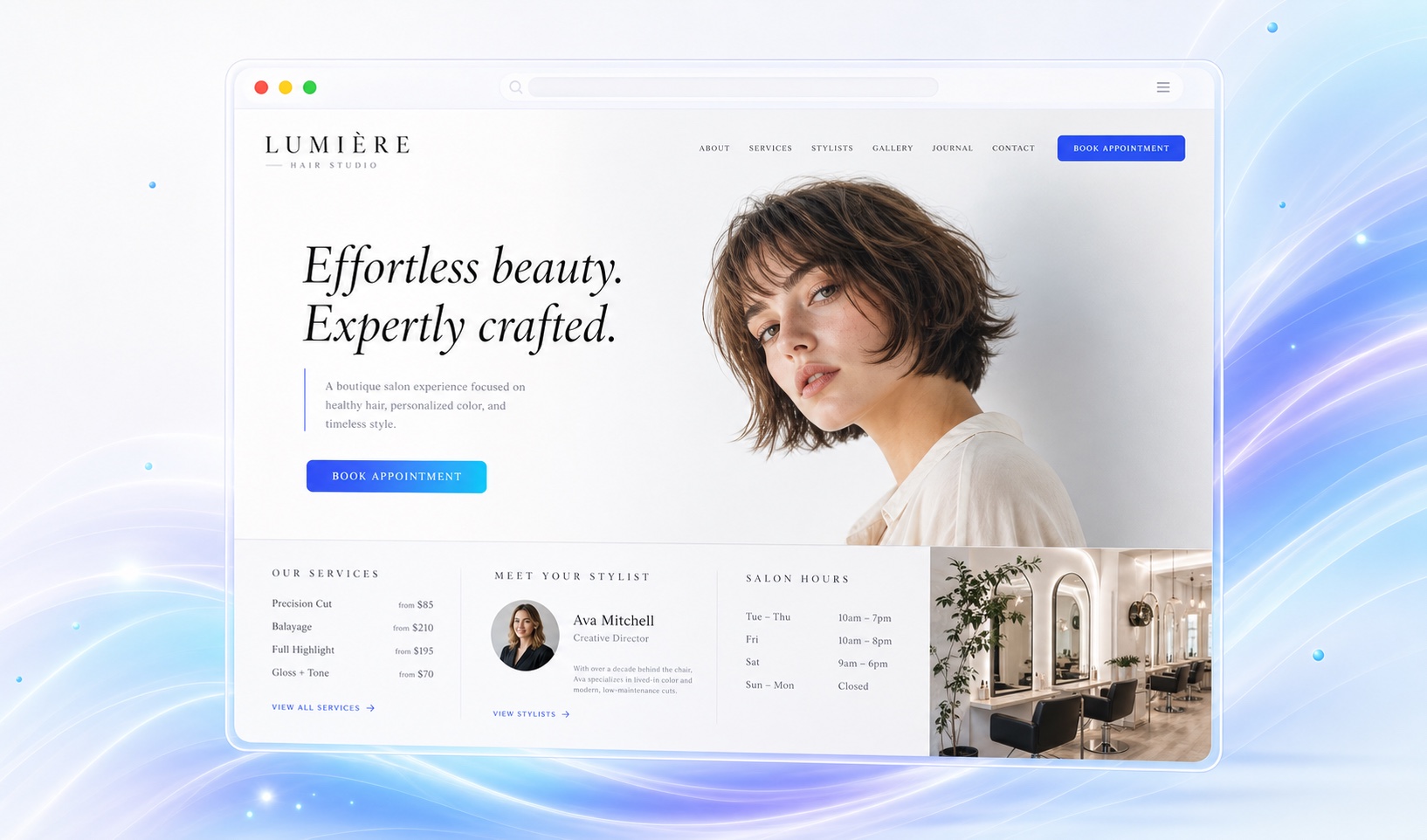
Show your team's work with permission.
A gallery should show the styles and services your salon offers. Use client-approved photos and attribute the work to the correct stylist. Keep stock images separate from your portfolio and avoid implying that a photographed model is a client.
Add short stylist introductions with accurate specialties and availability guidance. If appointments are booked with individual stylists, make the destination clear. Markio can help arrange the content; you provide and approve the business facts.
Keep the booking handoff familiar.
Use the booking service your salon already relies on. Link to its appropriate salon or stylist page, then test the journey from your phone. Check that the service names, deposits, and cancellation terms match what the website says.
Markio handles the marketing website and contact inquiries. Your scheduling system continues to manage appointment inventory, reminders, payments, and client records. You can ask Markio to update hours, service descriptions, or gallery captions without rebuilding the site.
Keep this list handy
Check the path to an appointment
- Match service names and prices to the booking system.
- Explain consultation and cancellation policies accurately.
- Confirm permission for client photos and stylist details.
- Test booking links, directions, and holiday hours.
Try an edit like this
Tell Markio what you want to change.
Organize the salon menu into cuts, color, and consultations. Keep my supplied starting prices and conditions together. Add the booking URL I provided to the main button and place our hours and location near it.
Use your own business facts, review the draft, and publish when the details are right.
See how editing by chat works