
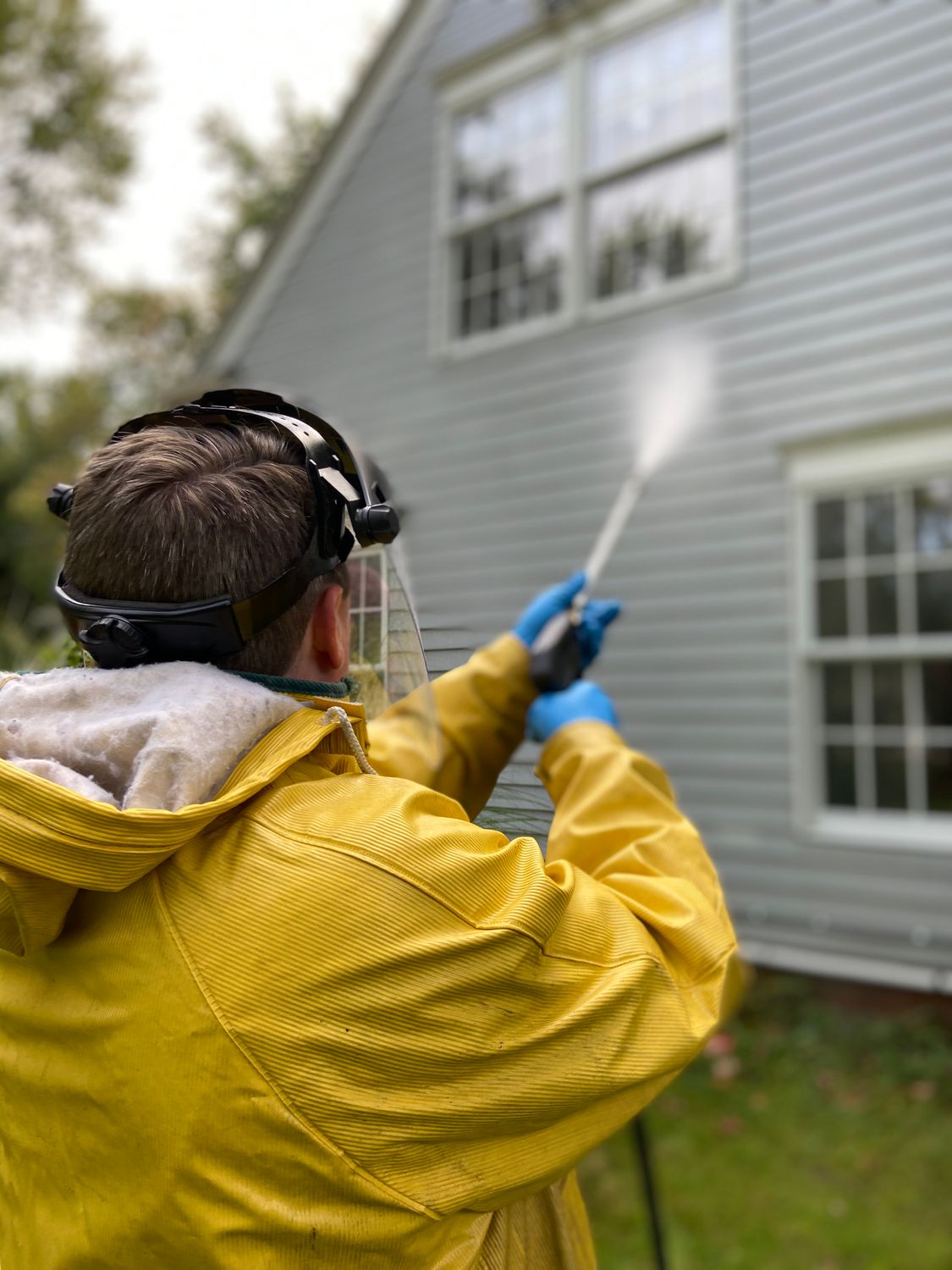
Organize services by surface, not by equipment.
Customers search for driveway cleaning or house washing, not for the pressure rating of your machine, so set up your pressure washing website builder sections by surface: house exterior, driveway and walkways, deck and fence, roof, and commercial flatwork if you take it. Say whether you include gutters or windows. A visitor should find their surface in the first scroll.
Explain soft washing in one plain sentence where it matters. Roofs, painted siding, and stucco are cleaned with low pressure and a cleaning solution, not a high-pressure blast. Homeowners who have read horror stories about stripped paint look for that reassurance. Do not make claims about the chemistry or longevity that you cannot back up in writing.
- House wash
- Siding, trim, and soffits. Note whether windows and gutters are included.
- Flatwork
- Driveways, patios, walkways, and pool decks. Say if you seal or only clean.
- Roof soft wash
- Low-pressure cleaning for shingles and tile. Explain why pressure is not used.
Let the before and after photos do most of the selling.
No trade benefits more from a split photo than pressure washing. Shoot every job from the same spot before and after, in similar light, and publish the pairs with a caption that names the surface and the town. Ask the homeowner first and crop out house numbers. Skip stock images of someone spraying a driveway; they prove nothing about your work.
Give each surface section its own pair rather than one gallery at the bottom. A homeowner with a dirty deck wants to see a deck, not a driveway. Markio can add a photo section wherever you ask, but the photos have to come from your phone. Three or four strong pairs per surface are enough; a hundred thumbnails are not. Replace any placeholder image before you publish.
Set realistic quote expectations and give one way to ask.
Many visitors expect an instant price. If you can quote a house wash from the square footage and a few photos, say so and tell them what to send. If you need to see the surface, explain why, such as oil stains or old sealant, and how fast you reply. Do not post a flat price you adjust once you arrive.
Use a short form that asks for the town, the surface, approximate size, and photos if the visitor has them. Put the phone number in the header for people who would rather call. Markio delivers quote requests to a lead inbox. It does not calculate prices or schedule the job, so state your reply time and keep it.
Keep this list handy
Before your pressure washing site goes live
- Confirm each surface section matches what you clean.
- Check the soft wash explanation for roofs and painted siding.
- Replace every stock image with your own before and after pairs.
- Remove any instant price you cannot honor.
- Send a test quote request and find it in the inbox.
Try an edit like this
Tell Markio what you want to change.
Create one section for each surface in my business details: house wash, driveways, decks, and roof soft wash. Put a before and after photo pair in each section and leave placeholders where I have not uploaded photos yet. Add a line under the quote form saying we reply with a price within one business day.
Use your own business facts, review the draft, and publish when the details are right.
See how editing by chat works