
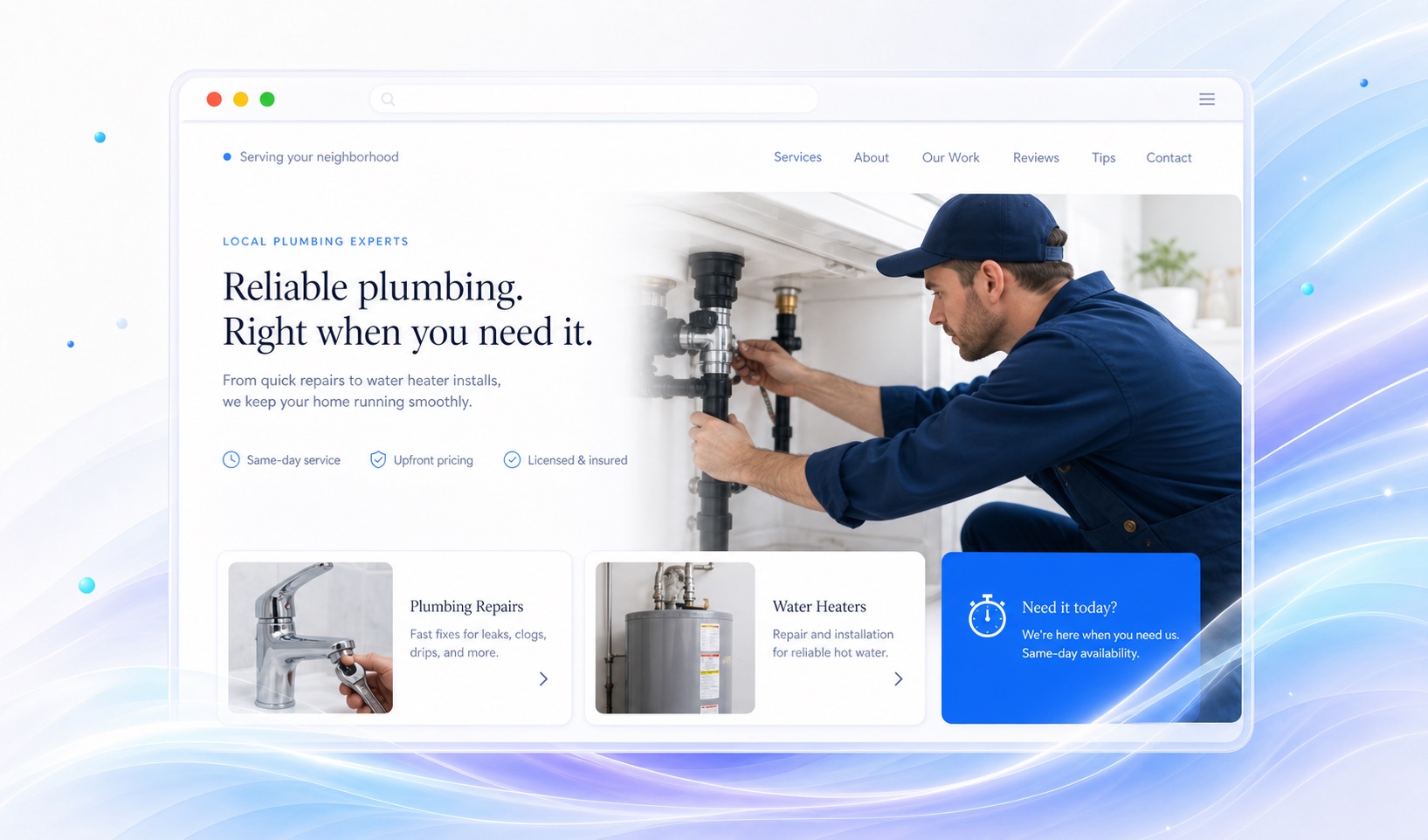
Give urgent repairs and planned jobs different paths.
A burst pipe and a bathroom renovation lead to different conversations. Put your phone number near emergency-service information if you take urgent calls. Use a quote request for replacement fixtures, water heaters, or planned installations.
List the work you accept in ordinary language: drain clearing, leak repair, water heater replacement, or fixture installation. If you do not handle sewer work or commercial properties, say so. A precise service list saves the customer a call and saves your team a poor-fit inquiry.
Make the service boundary easy to check.
Name the towns or neighborhoods you serve, then explain any travel limits. Keep the same phone number and regular hours on your site and Google Business Profile. Only advertise round-the-clock service if someone is available to respond.
A map alone does not explain a service area. Add a readable list and note whether after-hours coverage differs from daytime coverage. Publish license and insurance information only after checking the wording and current status.
Ask for enough detail to return the call.
Start with a name, a callback method, and a message. In the instructions above the form, ask customers to mention the town, the affected fixture, and whether the issue is urgent. Collect any additional job details during follow-up.
Markio provides contact forms and a lead inbox. It does not replace dispatch software or confirm that a technician is on the way. Set an honest expectation for when the customer will hear from you, and send urgent callers to the phone.
Keep this list handy
Before your plumbing site goes live
- Tap the phone link on a mobile device.
- Check the service area and after-hours wording.
- Confirm every service and credential is accurate.
- Send a test inquiry and find it in the lead inbox.
Try an edit like this
Tell Markio what you want to change.
Put drain cleaning, leak repair, and water heater installation in separate service sections. Use the service area in my business details. Add a call button above the quote form. Do not add emergency availability unless I confirm it.
Use your own business facts, review the draft, and publish when the details are right.
See how editing by chat works