
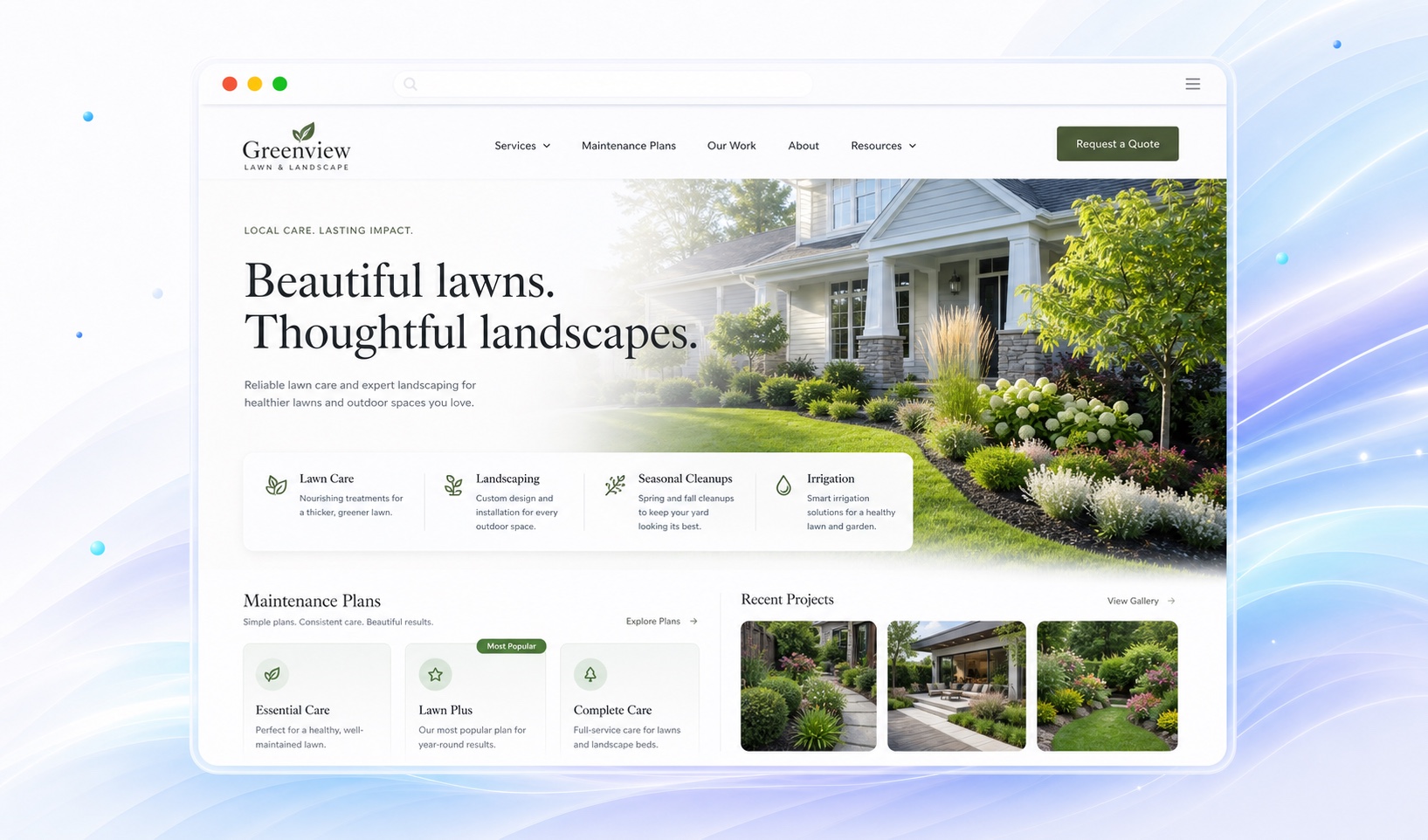
Separate weekly upkeep from a new landscape.
Mowing, seasonal cleanup, planting, drainage, and hardscape projects do not share the same quoting process. Group recurring care separately from installation work. Explain what each service includes and which jobs require a property visit.
For maintenance packages, describe the work and frequency before discussing price. If hauling, materials, or seasonal visits are separate, say so. For projects, show the stages a customer can expect from inquiry through an estimate.
Add a short story to each outdoor project.
Show your own work and describe what changed: a new planting area, a patio installation, or a seasonal cleanup. A caption should identify your scope without promising that a different property will have the same cost or result.
Use photographs with permission and avoid exposing private addresses. Keep stock imagery separate from claims about your portfolio. In Markio, you can add a gallery and ask for captions based on your own project notes.
Keep your calendar and coverage honest.
Explain where you travel and whether service availability changes by season. Remove offers that have expired and work that you no longer accept. A clear coverage area can prevent inquiries you cannot serve.
Ask visitors to mention their town, the type of work, and whether they want ongoing care or a one-time project in the inquiry message. Markio can collect the lead; site assessments, scheduling, and job management remain in your existing workflow.
Keep this list handy
Prepare your landscaping content
- Separate maintenance packages from project services.
- Gather real before-and-after photos with permission.
- Check seasonal offers and the current coverage area.
- Explain how a property assessment or quote begins.
Try an edit like this
Tell Markio what you want to change.
Split my services into recurring lawn care and landscaping projects. Add a gallery using my project photos and notes. Ask estimate requests to include their town and whether the work is ongoing or a one-time project.
Use your own business facts, review the draft, and publish when the details are right.
See how editing by chat works