
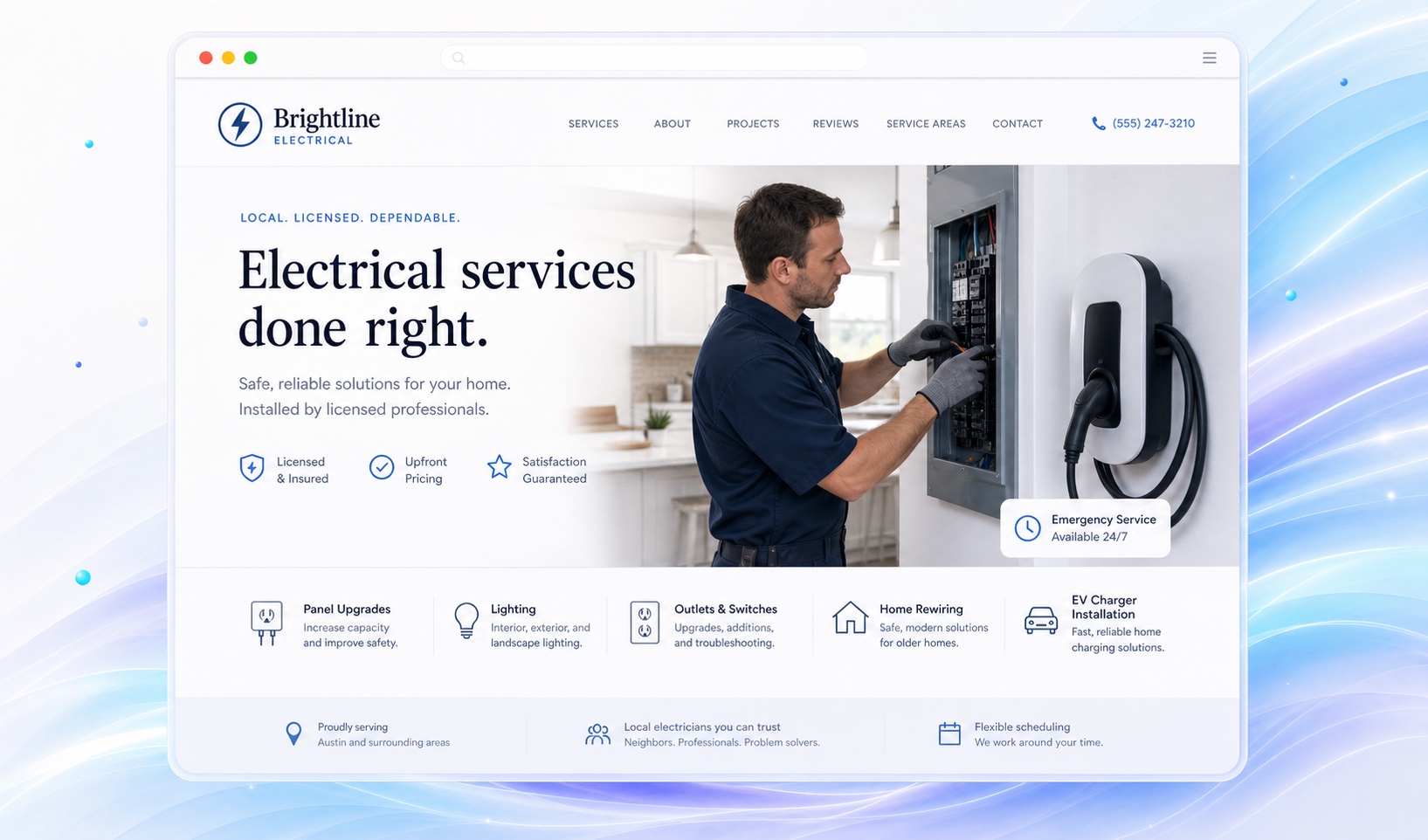
Organize the site around jobs customers recognize.
Group services by the job someone is trying to hire for. Lighting installation, panel replacement, EV charger installation, and fault diagnosis can each need a different explanation. Describe what you inspect before quoting instead of presenting a price that depends on unknown conditions.
Separate residential and commercial work if you do both. A homeowner may need a small repair; a property manager may need scheduling, access, or project coordination. Explain those differences on the relevant page without promising work you do not perform.
Put context beside project photos.
A photograph of a finished installation becomes more useful when you describe the job and your part in it. Identify the project type, the problem addressed, and any customer-approved details. Avoid exposing an address or other private information in photos.
Keep credentials factual. Use the exact license or certification wording you are entitled to publish, and keep it current. Markio can help organize that information, but it cannot verify a license or decide whether your business meets local requirements.
Explain what happens after an estimate request.
Tell customers whether the next step is a phone conversation, a site visit, or a request for more information. Ask them to describe the job and location in the form message. Do not turn the website into a troubleshooting guide for hazardous electrical work.
Use Markio's lead inbox to review website inquiries. If your team already uses a scheduling tool, link to the approved booking page and test it. A submitted inquiry is a request, not a confirmed appointment.
Keep this list handy
Check the details customers will rely on
- Separate residential and commercial services where needed.
- Verify credentials and remove unsupported safety claims.
- Explain the estimate process and response hours.
- Test phone, inquiry, and external booking links.
Try an edit like this
Tell Markio what you want to change.
Create separate sections for the residential services I listed. Add a short explanation of our estimate process above the contact form. Keep my exact license wording and do not invent prices or certifications.
Use your own business facts, review the draft, and publish when the details are right.
See how editing by chat works